Customer Help Portal
Blue Globes
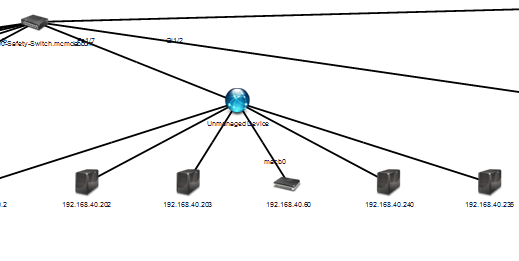
If you have a few ‘blue globes’. That is indicating that the “manageable” device is either not configured correctly with SNMP or the correct SNMP credential is not being used.
You can verify this by “right-clicking” on the ‘blue globe’ device, and going to “Tools > MIB Walker”.
Once the MIB walker is up, verify the IP address of the device (and the correct SNMP credential”) and do a “Get” on the System OID.
If there is no response, the SNMP credential is not correct.